
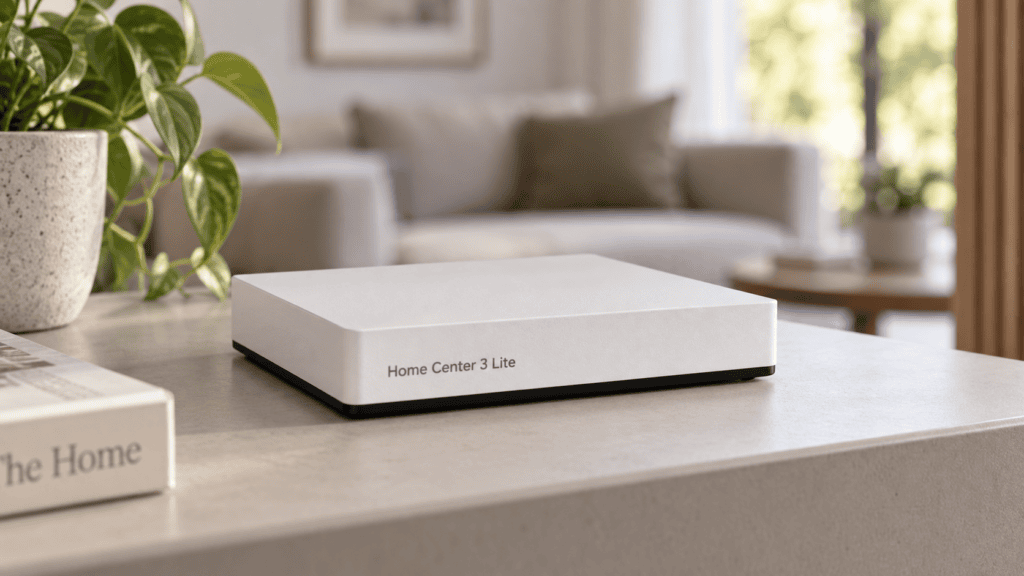
This Home Center Lite guide explains the differences between the original Home Center Lite (HCL) and the newer Home Center 3 Lite (HC3L), helping you plan a smart home that fits your needs. This guide explains what to look for in a compact FIBARO controller, how connected devices can work together, and which details deserve attention before you buy. You will learn the difference between The original Home Center Lite (HCL) and the newer Home Center 3 Lite (HC3L), explore practical everyday uses, and discover how to plan a setup that remains useful as your needs change.
Article outline
1.Home Center Lite vs Home Center 3 Lite: What’s the Difference?
2. Is a FIBARO Smart Home Hub Right for Your Smart Home Adventure?
3. How Does a Z-Wave Controller and Gateway Protocol Work?
4. What Should You Check for Smart Devices Compatibility and Integration?
5. How Can Smart Home Automation Improve Lighting and Thermostat Control?
6. How Does the Smart Home App Interface Work on a Smartphone or Tablet?
7. Can an Alarm Setup Improve Comfort and Safety?
8. What Does Data Security Mean for Your Home and Your Data?
9. How Do You Start Home Automation with a Reliable Setup?
10. Which Home Center Should You Choose for Long-Term Use?
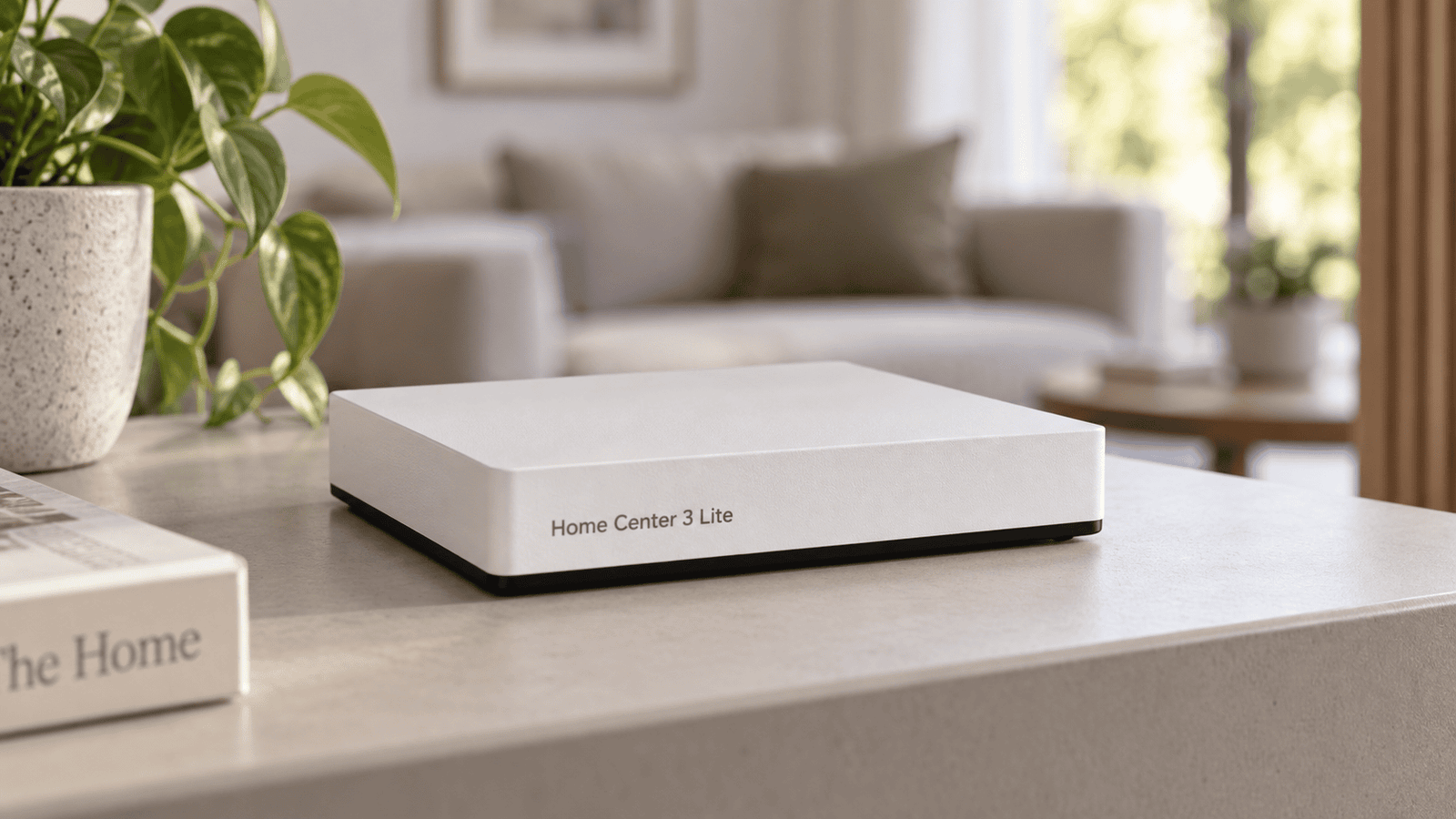
AI-generated illustration; not an official product photograph.
Home Center Lite vs Home Center 3 Lite: What’s the Difference?
The FIBARO system uses a central control unit to coordinate supported devices and household routines. The original HCL and the newer HC3L are different products, even though their names are easy to confuse. That distinction matters when you read a review, download instructions, or compare a used listing with a newer unit. A feature described for one generation should never automatically be treated as a feature of the other. Check the exact model name printed on the device and match it to the relevant documentation before planning your installation.
Home Center 3 Lite has been designed for smaller installations, making it a model to investigate when your requirements are modest. However, “smaller” should describe the actual workload as well as the floor area. The number of devices, the complexity of routines, and the amount of third-party communication all affect what you need. A home automation hub coordinates the devices connected to it; it does not supply the sensors, switches, or heating equipment by itself. Budget for those components separately and confirm the published limits for the exact hardware and software version you are considering.
Is a FIBARO Smart Home Hub Right for Your Smart Home Adventure?
A smart home system becomes valuable when it removes a recurring inconvenience. In an apartment, that might mean checking whether a window is open, turning off selected lights before bed, or adjusting room temperatures to match your schedule. Start your smart home adventure by choosing two or three outcomes that would make daily life easier. A small, well-planned installation is easier to understand and troubleshoot than a collection of unrelated gadgets bought without a clear purpose.
The smart hub should fit both your current rooms and your likely next purchases. Count the physical devices you expect to add, consider how many routines you want, and leave room for expansion within the model’s documented limits. Avoid choosing a product simply because a seller describes it as the smallest or easiest option. Dimensions can matter when shelf space is limited, but reliable operation, suitable regional hardware, and ongoing support are more useful buying criteria. For a rented apartment, also consider which changes need landlord permission and which devices can move with you later.
How Does a Z-Wave Controller and Gateway Protocol Work?
Z-Wave is a wireless communication protocol used by many household sensors and control modules. The central unit communicates with supported products and processes their status changes or commands. In a suitable mesh network, supported powered devices can help relay traffic, while battery-operated sensors typically have different communication behavior. This means placement matters: thick walls, distance, construction materials, and the available relay paths can influence reliability. Adding equipment without considering the physical layout can produce a setup that works near the control unit but behaves inconsistently elsewhere.
Regional radio matching is another essential check. Compare the MHz information on the product label and official regional documentation before buying imported devices. Hardware intended for one market should not be assumed to communicate with equipment intended for another. Also distinguish the device radio network from your router connection: Wi-Fi and a dedicated device radio serve different purposes. The term gateway does not mean that every radio technology is included, so confirm the exact model’s network interfaces rather than assuming that all generations offer the same connections.
What Should You Check for Smart Devices Compatibility and Integration?
Before you integrate smart devices, look beyond a general “works with” claim. Compatibility can depend on the exact product model, regional radio version, firmware, and the functions you expect to use. Even a compatible device may support basic switching while exposing fewer advanced settings than you anticipated. Ask whether status reporting, measurements, configuration parameters, and scene triggers are available for your intended combination. This is especially useful when mixing products from more than one manufacturer or purchasing older equipment from a second-hand seller.
The same care applies to a camera, media players, and home appliances. A shared network connection does not automatically provide full control, and third-party integration may require a supported interface or an additional configuration step. Popular voice assistants also need model-specific checking. If you want Google Assistant, Amazon Alexa, or Siri, verify the current supported connection method, account requirements, available commands, and any dependence on external services. Do not assume that support for a voice command also means native support for every feature in that assistant’s wider ecosystem.
How Can Smart Home Automation Improve Lighting and Thermostat Control?
Thoughtful lighting rules can make everyday movement around the house more comfortable. For example, a supported motion sensor could trigger a hallway light after sunset, while a bedtime routine could turn off selected circuits. To automate a useful task, define the trigger, the conditions, and the action clearly. Include an appropriate delay and decide what should happen if someone operates the wall switch manually. Good rules should simplify ordinary behavior without making residents guess why a light suddenly switched on or off.
A supported thermostat can be part of a similar approach to heating. Schedules, occupancy information, and window sensors may help avoid heating an unused room unnecessarily, provided the equipment and setup support the intended behavior. Energy consumption data is useful only when the connected devices actually report it; the central unit cannot measure every appliance automatically. Compare readings over similar periods and weather conditions before judging results. Comfort settings, insulation, household habits, and the heating system all influence savings, so a fixed reduction in bills should not be promised.
How Does the Smart Home App Interface Work on a Smartphone or Tablet?
An intuitive interface should help everyone in the household find the controls they use most. Group equipment by room, give each item a clear name, and keep frequently used actions easy to recognize. “Hallway ceiling light” is more helpful than an unexplained device number. When configuring access from a smartphone or tablet, confirm which application and operating-system versions are supported by your exact control unit. Screenshots from another generation can be misleading, particularly when settings or menu names differ.
Home Center allows supported household functions to be brought together under central control, but the available controls depend on the connected equipment and configuration. Remote access to your home should be tested separately from operation on the local network. The promise of checking equipment from anywhere in the world still depends on working connectivity, the relevant remote service, and correctly configured accounts. Decide which controls each person needs and avoid giving every household member unrestricted administration rights simply to let them operate a few lights.
Can an Alarm Setup Improve Comfort and Safety?
Door contacts, movement detectors, and leak sensors can provide useful information about what is happening at home. A supported setup might notify you when a contact opens or help you notice water near an appliance. For carbon monoxide and smoke detection, choose appropriate certified detectors and follow their installation and maintenance instructions. Connected notifications should supplement the detector’s intended warning functions. A phone notification is not a substitute for a detector that can alert the people inside the building directly.
People sometimes use the phrase “360 security” to describe broad household protection, but that phrase alone proves nothing about certification, monitoring, or response reliability. Consumer routines should not automatically be treated as equivalents to dedicated alarm systems. Consider what happens during an internet interruption, a power failure, a depleted sensor battery, or an unavailable phone. Test the specific notification path and document its limits. A useful setup makes those limits understandable so that residents know which warnings are supplementary and which equipment is responsible for essential protection.
For practical ways to strengthen your doors, read our guide on how to improve home security with better locks.
What Does Data Security Mean for Your Home and Your Data?
Entrusting your home to connected technology means making deliberate choices about account access and updates. Use a strong, unique password, install supported updates, and remove access that is no longer needed. Enable additional account protections where the relevant service provides them. If you buy a used unit, follow the documented ownership-transfer and reset process before connecting it to household equipment. These steps help keep previous users, forgotten accounts, and unnecessary permissions from becoming part of your new installation.
It is also sensible to ask how the system protects information in transit and where household records are stored. Do not assume that a product will encrypt every connection merely because its marketing mentions secure communication. Confirm the supported security mechanisms for the control unit, connected devices, and any external services you use. Be cautious about opening router ports without a documented need. Local operation and internet-dependent functions should be understood separately, because a routine running inside the home can have different dependencies from an app command sent remotely.
How Do You Start Home Automation with a Reliable Setup?
Begin with the official instructions for your exact model, a suitable location, and the required power and network connections. Complete the initial setup before adding many accessories. Add one device, assign it to a room, test its response, and then move on to the next. Keep a simple record of model numbers, locations, and any settings you change. This makes faults easier to trace and prevents a later replacement or reset from turning into a guessing exercise.
The relationship between devices and smart home hub is where the practical value appears. A sensor provides information, a rule evaluates it, and a supported device performs an action. That synergy is useful only when each part works reliably. Test individual components before building multi-step routines, keep a manual way to operate essential equipment, and use the documented backup options available for your model. If something behaves unexpectedly, isolate the trigger, condition, and action instead of changing several settings at once.
Which Home Center Should You Choose for Long-Term Use?
Choose between an existing HCL, an HC3L, and a more capable alternative by comparing the tasks you actually need. If an older installation is already dependable, document its devices and routines before considering a change. If you are buying for the first time, compare documented device limits, supported extensions, connection options, warranty terms, and the support position at the time of purchase. Do not assume that a migration will transfer every setting unchanged, and check the official process before resetting equipment that currently works.
The best fit is the model that covers your essential routines with enough capacity for realistic growth. Price comparisons should include sensors, control modules, installation work, and any additional equipment required for your plan. Ask a seller to identify the exact regional version and demonstrate any must-have feature instead of relying on a broad product description. A carefully chosen compact system can make household control more convenient, but its long-term value comes from suitable devices, clear routines, and a setup that everyone at home can understand.
Most important things to remember
⦁ The original HCL and the newer HC3L are different products; match every specification and guide to the correct model.
⦁ Start with a few useful household tasks and check documented capacity before expanding.
⦁ Match regional radio versions and verify the specific functions of every accessory.
⦁ Confirm app, voice-control, and third-party support before buying equipment for those features.
⦁ Test remote control separately from local operation and understand each function’s internet dependence.
⦁ Use connected safety notifications as supplements to properly selected and installed protective equipment.
⦁ Protect accounts, maintain supported software, and test routines one component at a time.
⦁ Choose for reliable everyday use and realistic future needs, including the cost of accessories and installation.